
- Training
- Service
- Promotion
- Schedule
- Testing Center
- News
- Contact
1/8/2024


We're excited to announce that Forms now supports practice mode, enhancing students’ learning process by offering a new way to review, test, and reinforce their knowledge. Practice mode is only available for quizzes. You can also try out practice mode from this template.
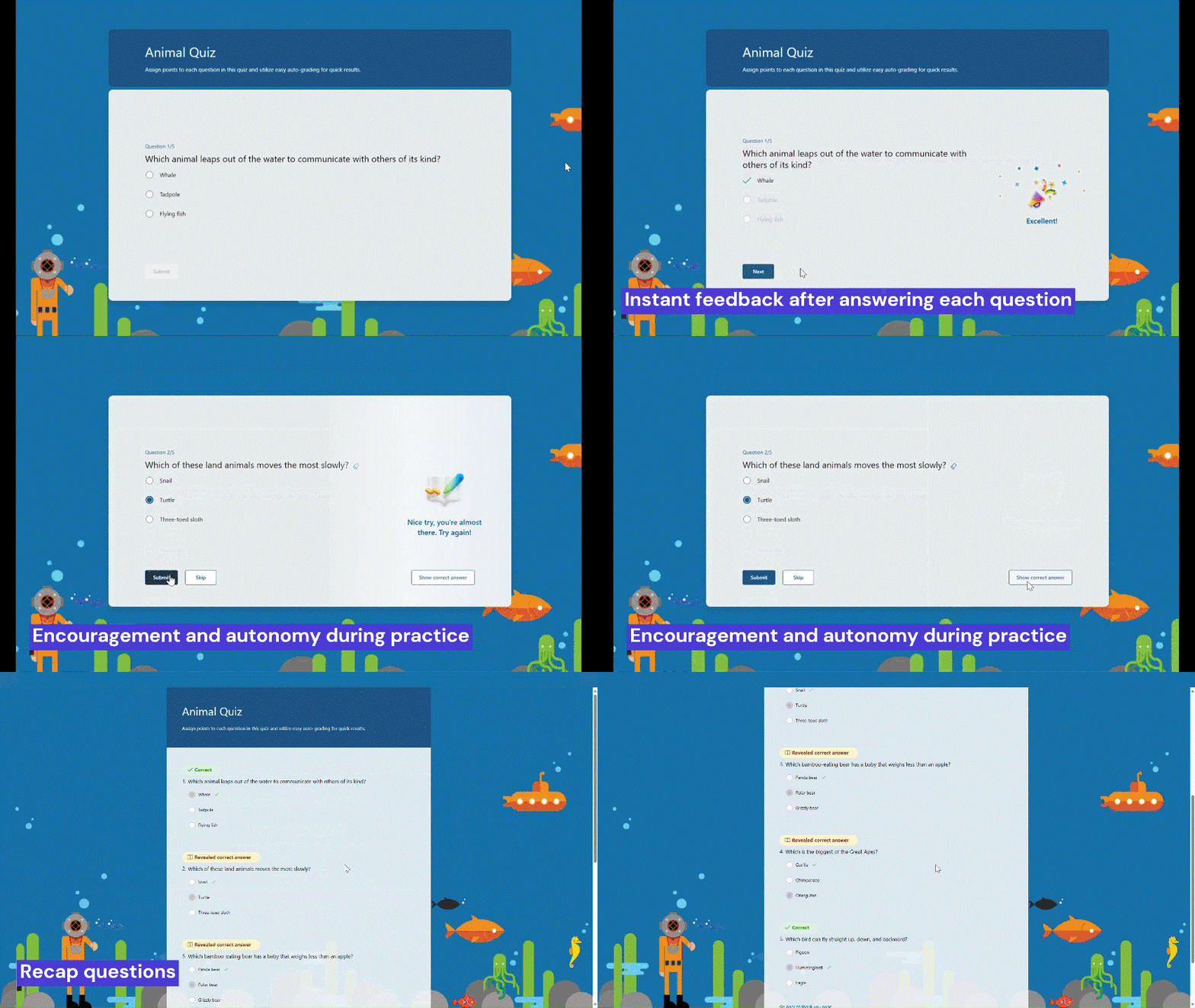
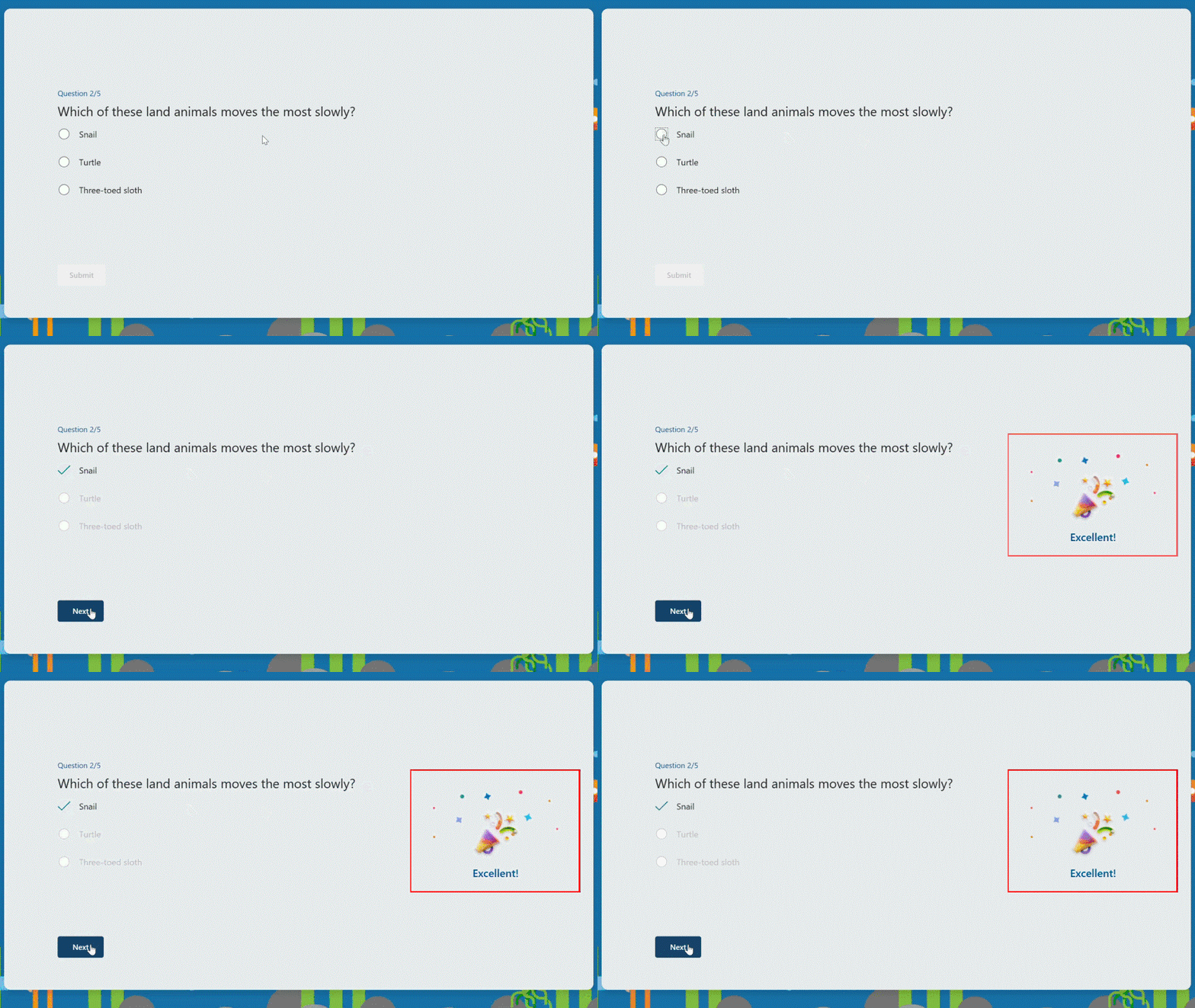
Instant feedback after answering each question
In practice mode, questions will be displayed one at a time. Students will promptly receive feedback after answering each question, indicating whether their answer is right or wrong.
Try multiple times for the correct answer
If students provide an incorrect answer, they will be given the opportunity to reconsider and make another attempt until they arrive at the correct one, allowing for immediate re-learning, and consequently strengthening their grasp of specific knowledge.
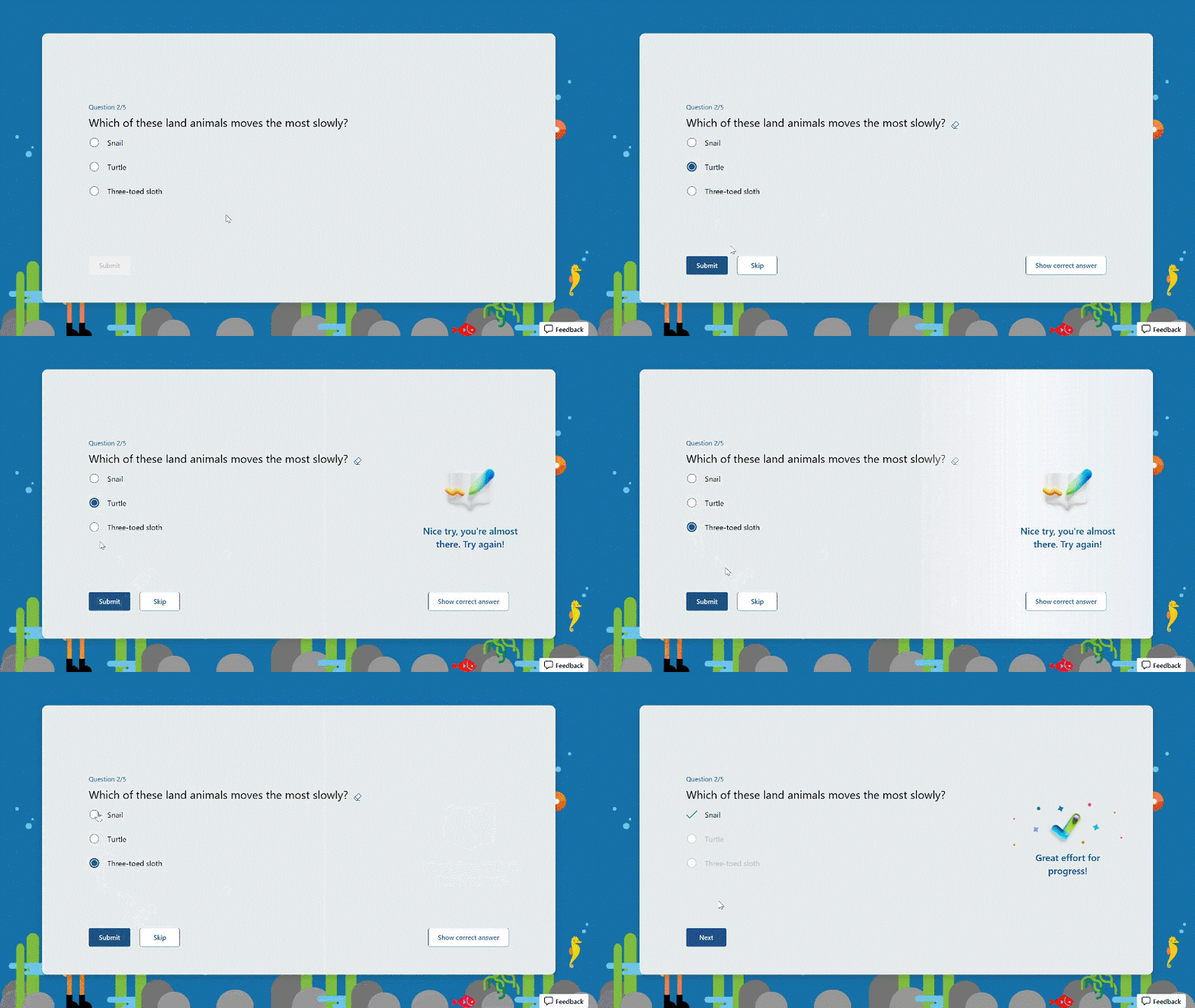
Encouragement and autonomy during practice
Whether students answer a question correctly or not, they will receive an encouraging message, giving them a positive practice experience. And they have the autonomy to learn at their own pace. If they answer a question incorrectly, they can choose to retry, view the correct answer, or skip this question.
.png)
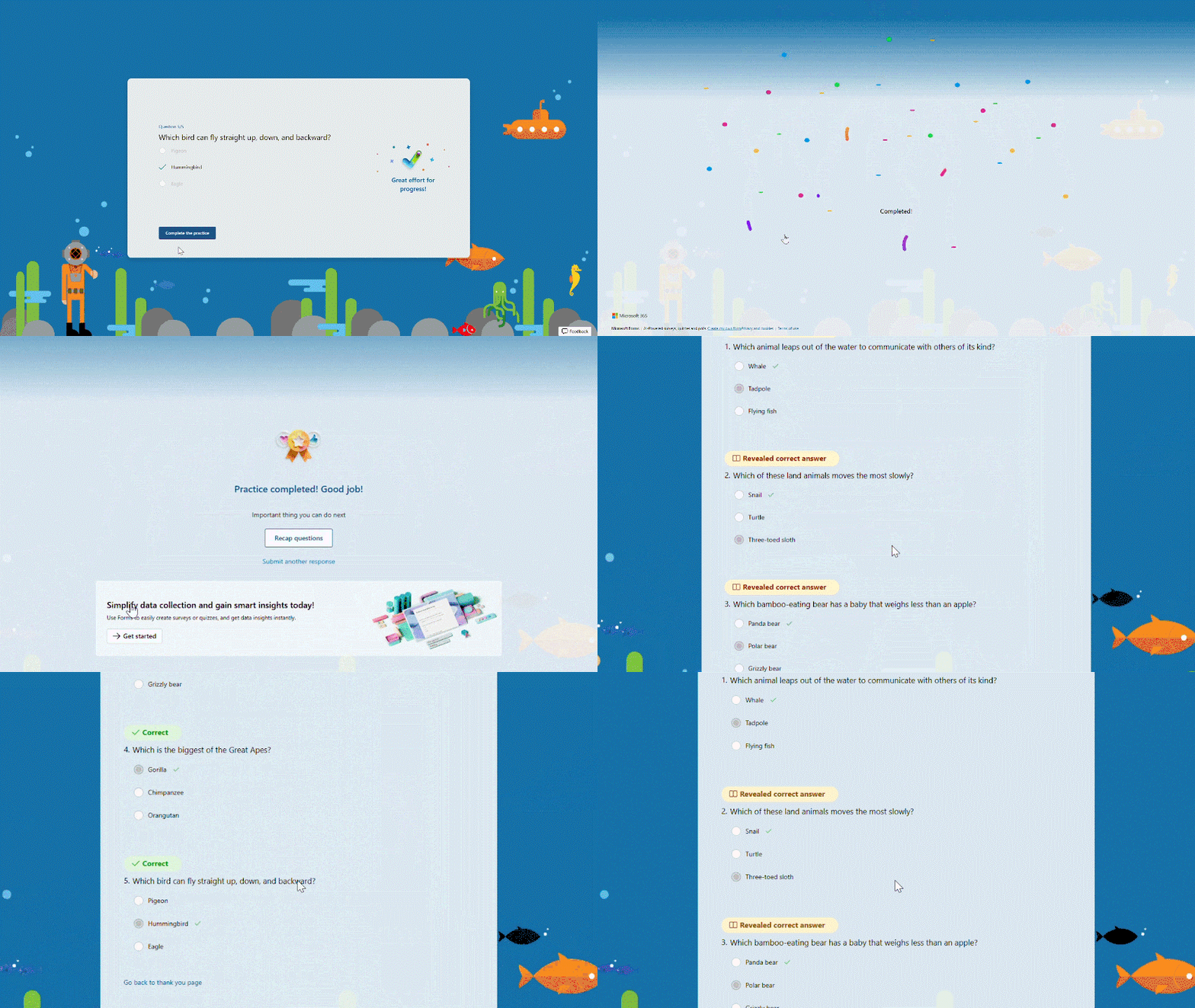
Recap questions
Once students finish the practice, they can recap all the questions, along with the correct answers, providing a comprehensive overview to help gauge their overall performance.
Enter practice mode
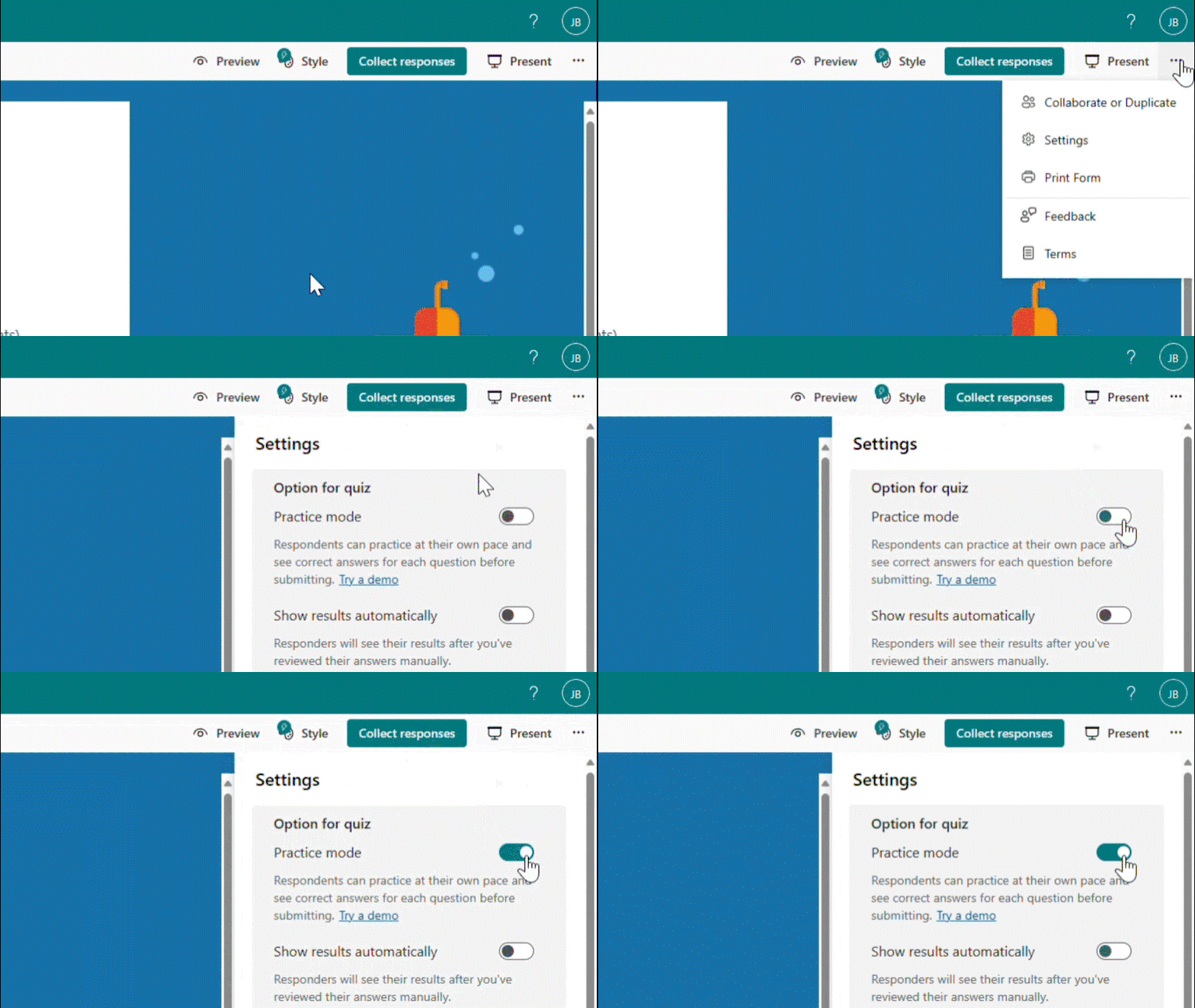
Practice mode is only available for quizzes. You can turn it on in the “…” icon in the upper-right corner. Once you distribute the quiz recipients will automatically enter practice mode. Try out practice mode from this template now!
Source: techcommunity.microsoft.com

12/11/2025


